![AgroScout_logo_Big_High_Resolution-(1).png]](https://knowledge.agro-scout.com/hs-fs/hubfs/AgroScout_logo_Big_High_Resolution-(1).png?height=40&name=AgroScout_logo_Big_High_Resolution-(1).png)
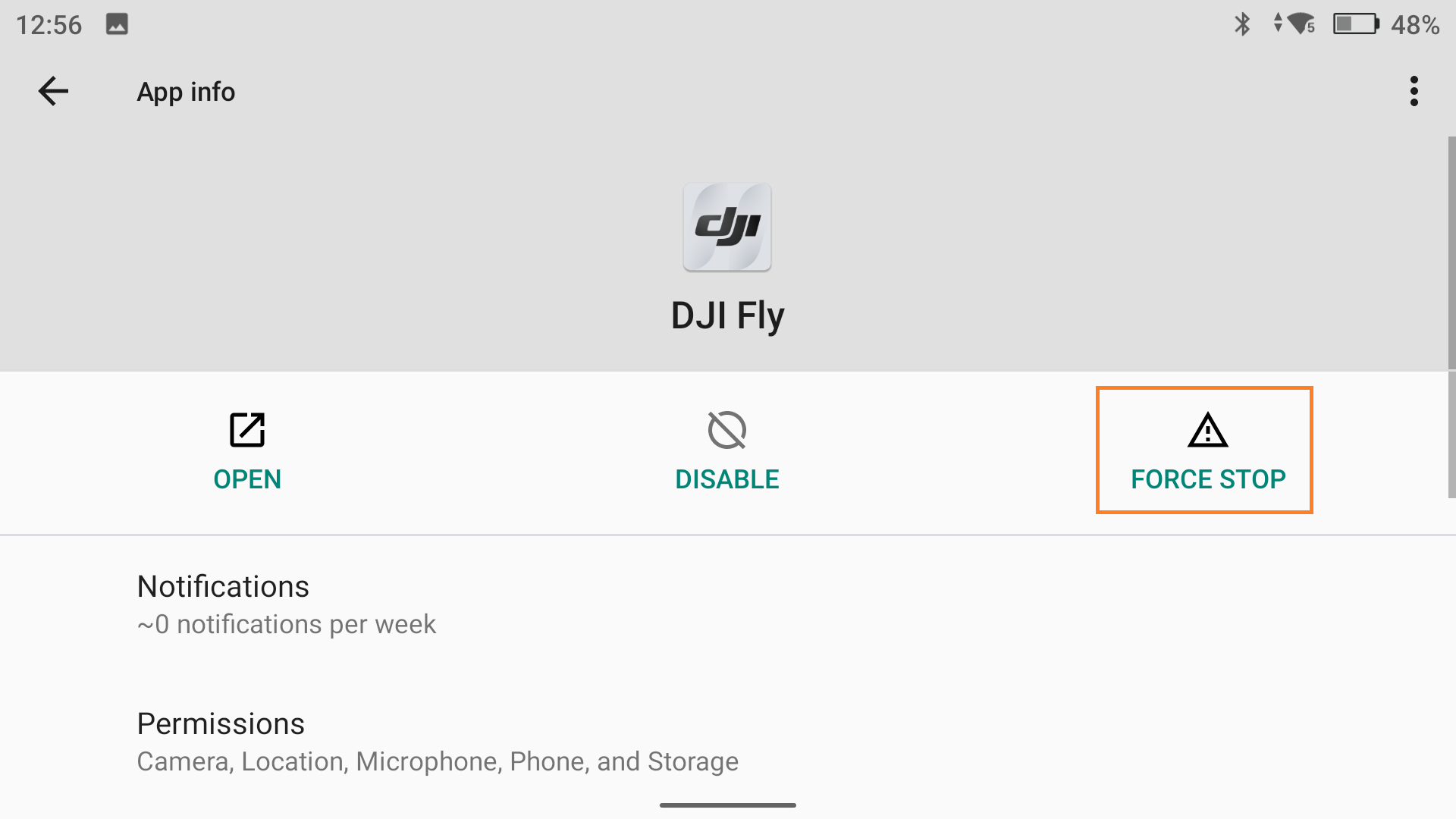
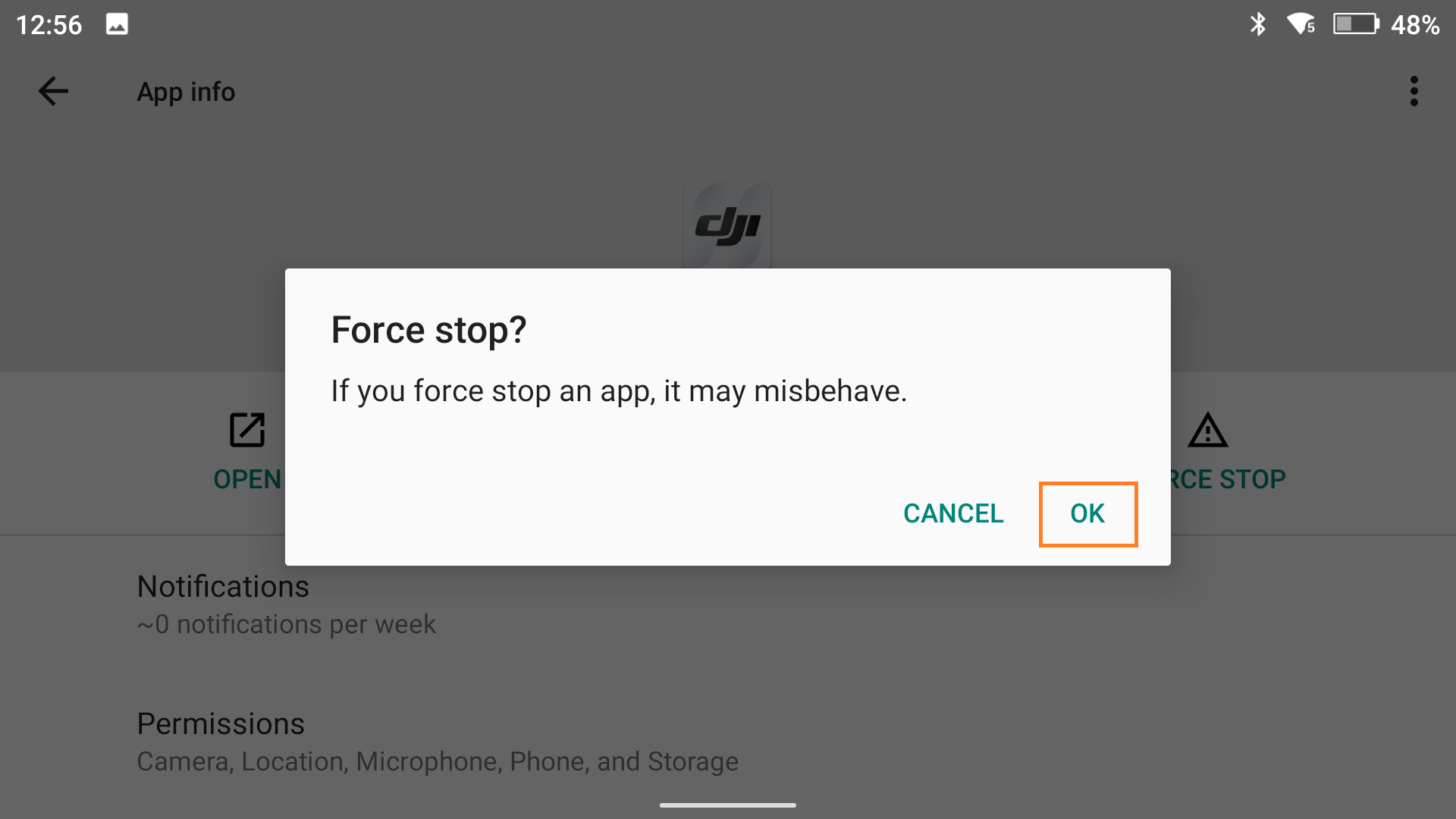
If you're using the DJI RC Pro remote controller, it's necessary to force stop the default DJI Fly app before opening the AgroScout Sky app.
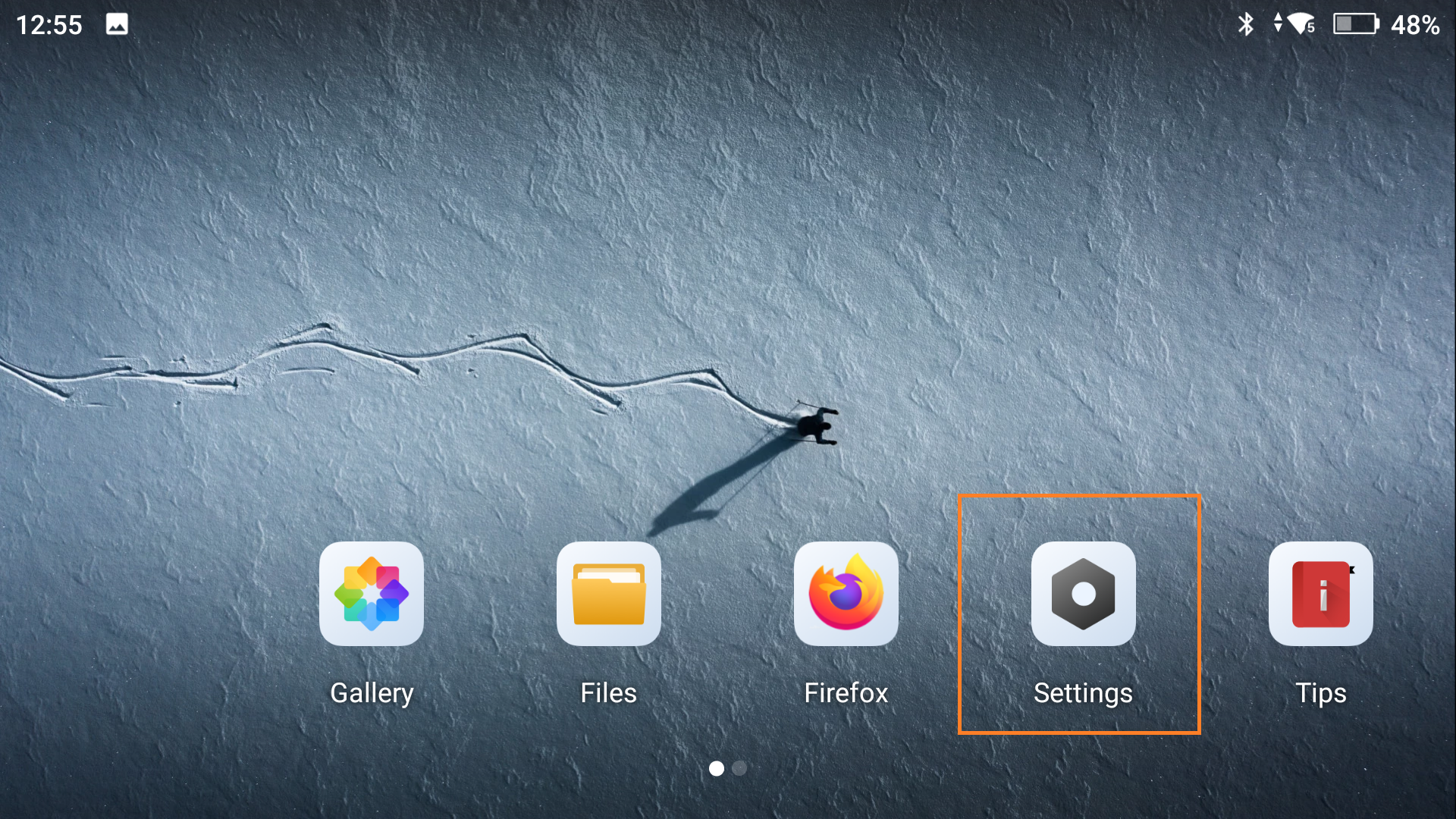
1. Open the RC Settings
2. Click Apps & Notifications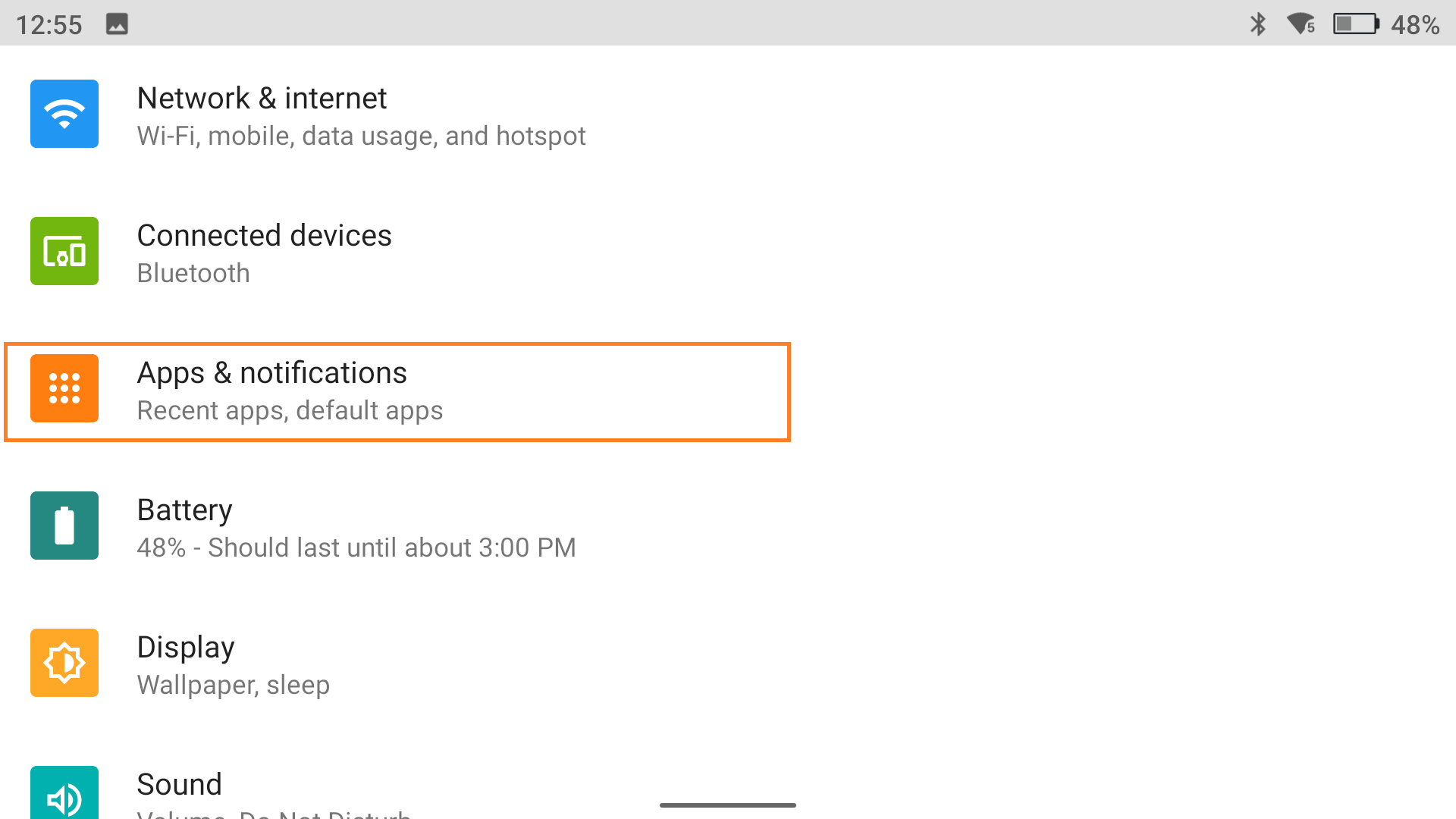
3. Click the DJI Fly app icon
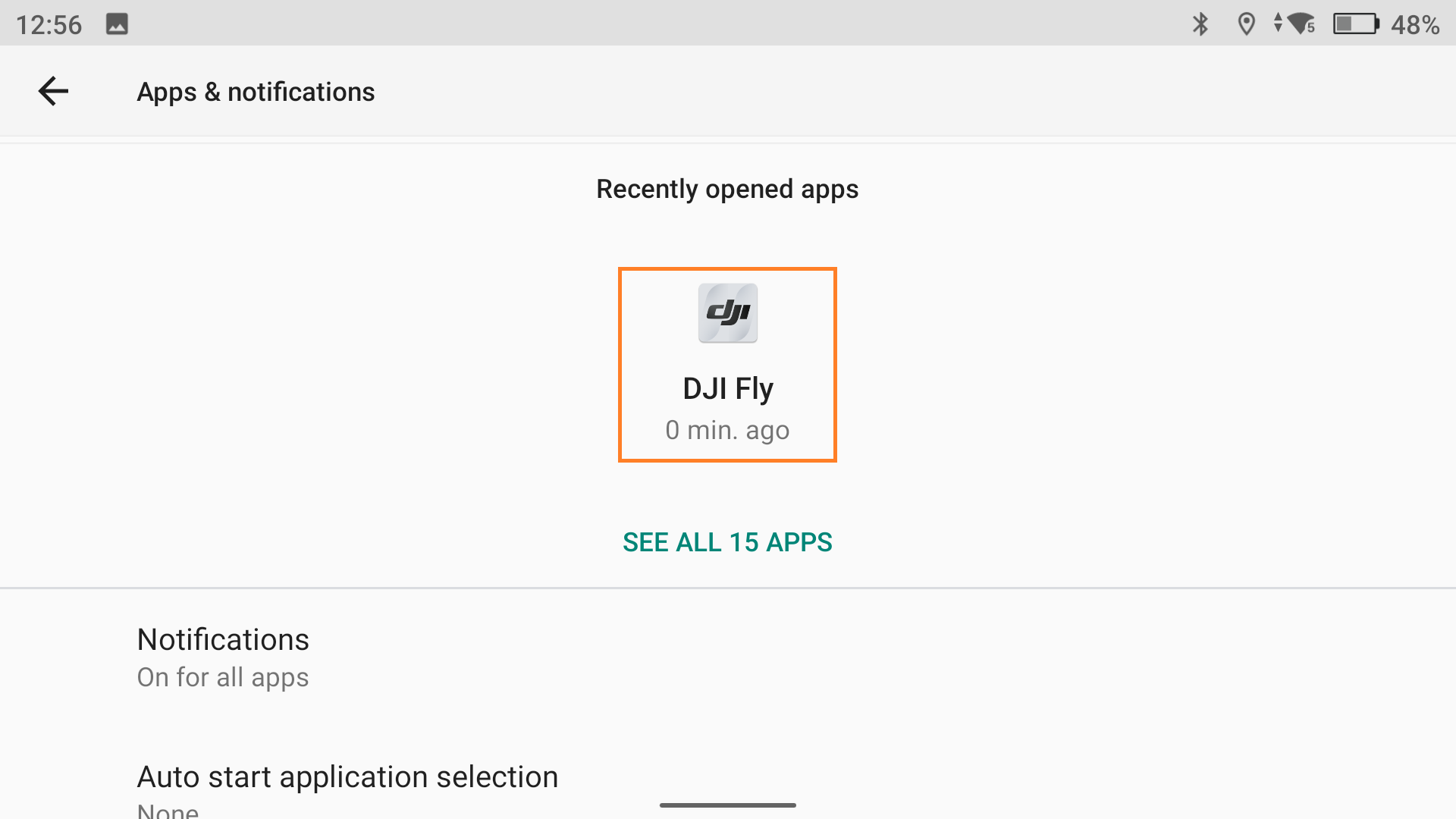
4. Click "Force Stop" and confirm